
Signal over noise: Filtering useless data from SaaS feedback

When I first started working with user feedback for SaaS products, I thought every comment mattered the same. I used to collect everything, expecting insights to jump out at me. But the more feedback I read, the clearer one thing became: not all feedback is equal.
Most of it is just noise.
SaaS founders and small teams live on a steady diet of user feedback. But with so much coming in—NPS scores, bug reports, feature requests, random opinions—it’s easy to get lost. Cuts to the core of why I believe in filtering feedback aggressively: signal matters, noise does not.
Why most SaaS feedback turns into noise
From the outside, customer feedback seems like a treasure trove. But in my own projects, I quickly noticed that only a handful of responses ever led to something actionable. Let me break down why noise creeps in:
- Volume over value: Any feedback tool can collect hundreds of responses, but most will be too vague, repetitive, or irrelevant to act on.
- Ambiguity and emotion: Many users vent, praise, or drop comments that sound passionate but lack substance ("App is slow!" or "Love it!")
- Irrelevant data: Sometimes, people complain about issues you can’t solve within your scope, or give suggestions unrelated to your core product.
In my experience, the scramble to act on every bit of noise caused more stress than insights. Only when I started prioritizing signal did things improve—and that’s exactly how Thrilled is designed to help make sense out of SaaS feedback chaos.
What exactly is signal in SaaS feedback?
To me, “signal” means feedback that tells you something you can learn from or act on—a real problem, a trend, or a suggestion that aligns with your goals.
Signal is direction. Noise is distraction.
I always look for these qualities:
- Specificity—Does the feedback reference a feature, workflow, or event you can identify?
- Frequency—Are multiple users saying the same thing?
- Urgency—Does it flag a bug, churn risk, or missed opportunity?
- Clarity—Is the language direct and understandable, not just angry or emotional?
Good feedback turns into prioritized actions. That’s why Thrilled puts urgency scores and categories front and center, stripping away the fluff and surfacing what matters.
Filtering out the noise: My approach
I learned early that reading feedback as a wall of text leads nowhere. Here’s the process that changed everything for me—and why Thrilled was built to do just this.
1. Start with categories, not comments
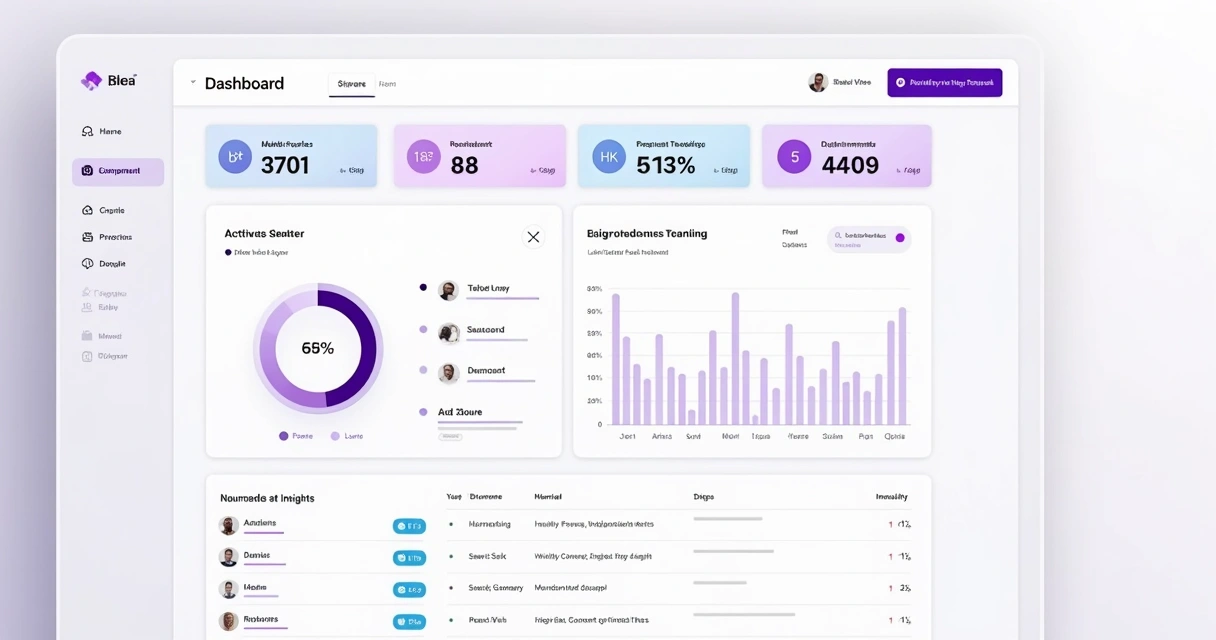
When a new piece of feedback comes in, I ask myself, “What bucket does this belong in?” Bug, feature, usability, billing, random? Thrilled uses AI to categorize every response—no more scrolling for patterns.
2. Score for urgency
Next, I look for words that show pain or delight: “crashed,” “impossible,” “urgent,” or on the positive side, “made my week.” Thrilled’s urgency scoring exposes the hotspot users—ones most likely to churn or advocate for you.
3. Collapse duplicates
Nothing kills your momentum like reading, “Please add dark mode” for the 17th time. I group similar feedback so trends emerge. Signal gets stronger as the same themes repeat.
4. Summarize and act
If feedback fits no actionable category, I let it go. This part is hard: letting go of data feels risky. But I’ve found that “clear over complete” wins every time.
Why good tools matter in cutting noise
Manual filtering is possible—but with growing users, you will waste hours and miss critical issues. Here’s how the right feedback engine saves your time and sanity:
- AI-powered tagging and urgency: Instantly see what topics dominate. No coding needed. Thrilled automates this step at a fair price for indie teams.
- Digestible summaries: Instead of complicated dashboards, get a simple, weekly Slack summary with scores, trends, and three things to do next week.
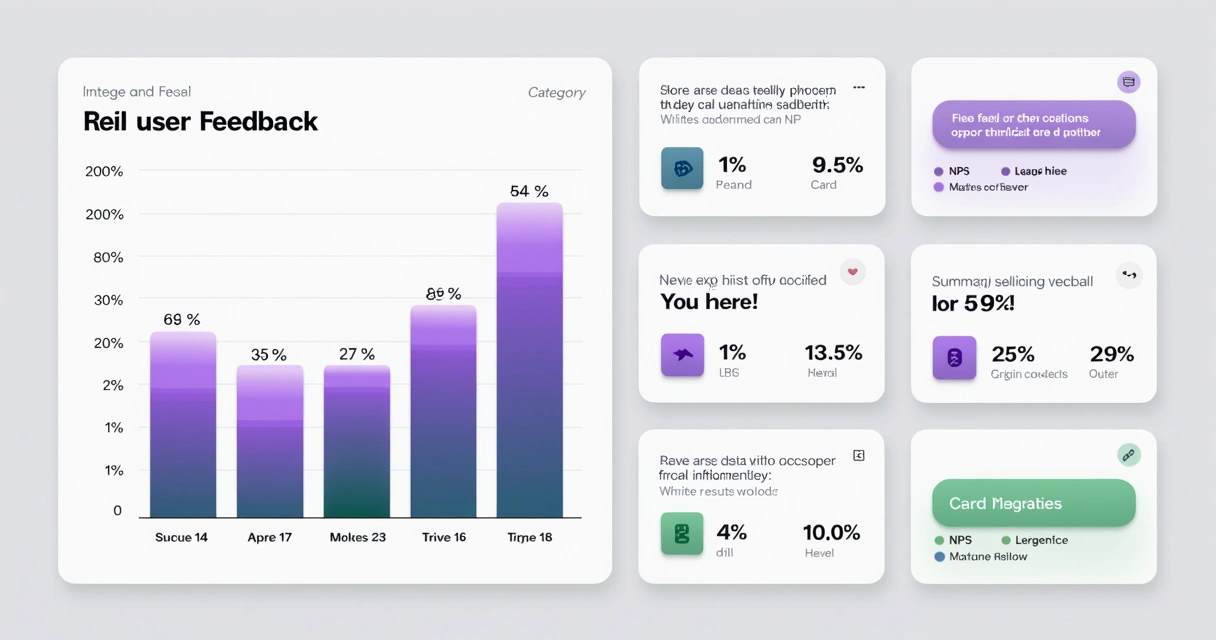
- Clean visualizations: Good tools show feedback in cards and charts you can act on—signal visually highlighted, noise faded into the background.
If you want to learn more about interpreting your data, the analytics section of our blog offers extra ideas for teams focused on actionable metrics.
Building a culture of signal first
I’ve seen founders drown in “feature soup” after every major release. Too many requests, too few patterns. In those moments, keeping a feedback-driven—but not feedback-dominated—mindset is key.
- Decide what to ignore. If feedback is vague, emotional, or isn’t actionable, don’t move it up your list.
- Share only what matters. Thrilled’s weekly digests for Slack keep product teams focused and avoid overloading inboxes.
- Look for the “why.” Trends are gold, but context is platinum—if a bug or pain keeps coming up, read the quotes, not just tags.
Every ignored piece of noise is a gift to your real priorities.
Design, UX, and the role of clarity
When I redesigned my feedback flows, I realized visual design is also a powerful noise filter. A cluttered dashboard or modal traps you back in the maze of text. By using clean, developer-friendly layouts, key metrics, and bold colors for important signals, I found users—and my own team—moved faster to what actually mattered.
For further reading on how product design helps filter data, see the customer experience articles that walk through these principles.
Automation, AI and better data: The Thrilled way
With small teams, budgets are tight. I’ve felt the pain of tools that promise signal but only deliver floods of raw data or price out indie founders. That’s why I stand behind Thrilled’s AI-first, affordable feedback platform. It’s not about having the most data—it’s about surfacing the best data at a price that matches where you are.
- Quick install—Paste one script and start getting actionable feedback.
- Automatic AI—No training, tagging, or formulas for you to maintain.
- Slack-native digests—Brings the best feedback where your team actually works.
The user retention section of our blog has advice for using filtered feedback to curb churn and build stickier SaaS products—and the section on artificial intelligence explains how algorithmic tools keep noise at bay for small teams.
Conclusion: Respect your attention
In my years collecting product feedback, one lesson stands out: if you want progress, not paralysis, you must filter for signal, not completeness. Every SaaS founder wants to feel in control of their user base, not overwhelmed by it.
If you want cleaner feedback, faster decisions, and more time to build, I invite you to see how Thrilled can help. Start filtering signal from noise and get closer to the feedback that actually drives your product forward.
Frequently asked questions
What is signal over noise in feedback?
Signal over noise means focusing on the feedback that actually tells you something useful or actionable, instead of getting lost in volume or generic comments. Signal highlights clear trends, frequent issues, or pressing needs—noise is everything else that distracts from that core.
How to filter useless SaaS feedback?
I always sort feedback into categories, score urgency, and collapse duplicates first. If input isn’t specific, repeated, or actionable, I move on. Using tools with AI-powered categorization—like Thrilled—helps automate this process and keeps the real insights visible while noise fades to the background.
Why is filtering feedback important?
Filtering feedback is critical because acting on noise wastes time, confuses the team, and often leads to the wrong priorities. Only filtered, actionable feedback helps you make product changes that truly matter.
What tools help filter SaaS feedback?
Tools that surface categories, urgency, and trends right away are the most helpful. In my experience, using an AI-powered feedback engine like Thrilled gives the right mix of automation, clarity, and fair pricing for SaaS teams that need more signal and less noise.
How can I improve feedback quality?
To improve feedback quality, I ask more targeted questions, only request feedback at key moments, and make it easy for users to respond with specifics. Design clean feedback forms and use a platform that values clarity—like Thrilled—so users are encouraged to give clear, actionable responses.