
How to segment NPS responses for actionable insights

Over my years working with SaaS teams—from solo builders to small, driven product crews—I’ve seen one consistent truth about feedback. Most companies collect Net Promoter Scores because they know they should. Only a few take the next step and segment those responses for real, high-impact actions. That, in my experience, is the line between knowing your number and truly understanding your users.
Better segmentation, better answers, better products.
Why segmentation changes everything in NPS
If you run a SaaS and ever stared at a wall of NPS responses, wondering what to do next, you’re not alone. When I first started working with user feedback tools like Thrilled, my first discovery was this: raw NPS scores tell you if you should worry or celebrate, but segmented NPS data tells you what to actually do next. By breaking responses into meaningful groups, trends and pain points jump out. That’s when feedback becomes a growth tool—not just a metric for investors or slide decks.
- Are your power users loyal but new signups churn?
- Is one feature dragging down your score while everything else shines?
- Do responses from a single country trend much lower than the rest?
Segmentation makes those patterns visible. And in a feedback engine like Thrilled, you can view these insights without complex exports or expensive consultants.
The key dimensions for NPS segmentation
When I talk to SaaS builders about feedback, the most common question I get is, “What’s the best way to group my NPS results?” From what I’ve seen, the best answers are almost always simple. The power is in the grouping, not the complexity.
- User lifecycle stage: New vs. longtime user, free vs. paid, trial vs. active customer.
- Account size: Is sentiment different for small teams versus large organizations?
- Feature usage: Users who have touched feature A, B, or C—how do their scores compare?
- Acquisition source: Do users from integration partners provide higher scores? What about those from organic search?
- Geography: Group by country, language, or region to find cultural or support gaps.
- Response category: Automatic categories using AI, like “feature requests,” “bugs,” or “billing,” speed up your workflow immensely (and this is core to Thrilled’s approach).
Segmentation isn’t about slicing as thin as possible; it’s about learning where your experience really shines—or slips. When you apply just two or three of these dimensions, you quickly see where to focus your team’s attention.
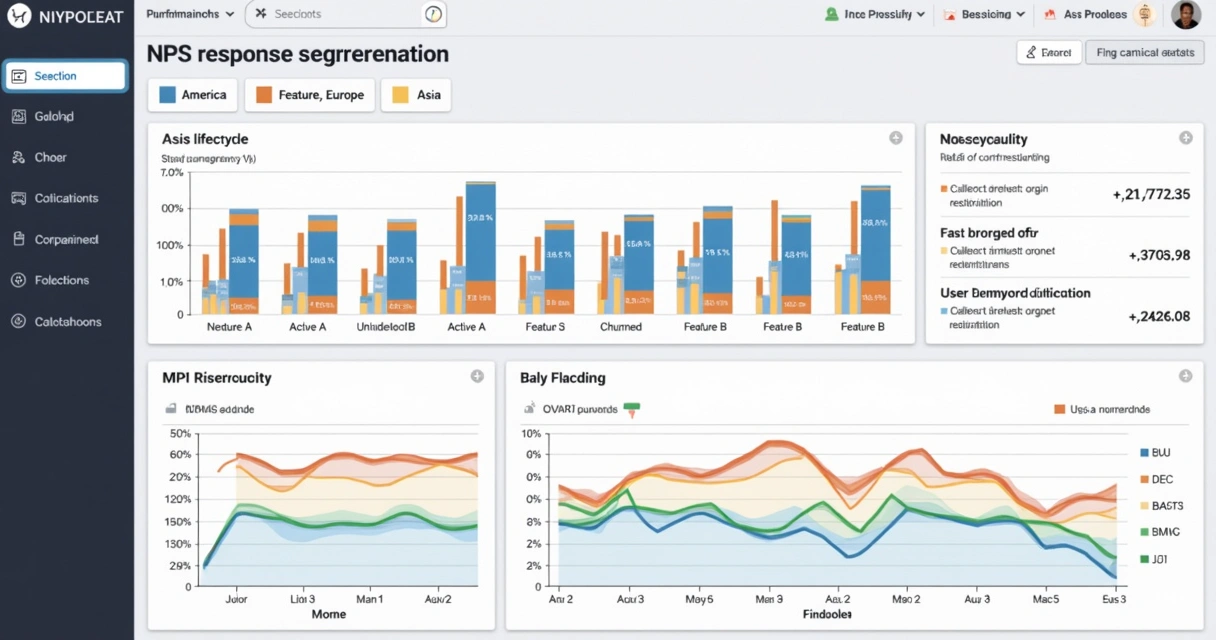
From number to narrative: What segmentation looks like in practice
The first time I helped a team structure their NPS dashboard, I saw how a flat spreadsheet could transform into a set of stories. Maybe the “average” is a healthy 8, but digging deeper shows long-term users scoring 9–10 while those on new plans score much lower. Or the feature that took six months to build is making new users into promoters, while old users don’t notice it at all.
Here’s a quick breakdown of what I’ve found works best:
- Start simple. Segment by the most basic axis first—user type, or how long they’ve been with you.
- Add layers. Stack on feature usage or account size to surface new patterns.
- Automate the rest. Use AI analysis, like in Thrilled, to group comments by recurring themes, saving hours of manual review.
- Look for action items. When most detractors mention a bug, that’s a fix to prioritize. When promoters all love a specific feature, highlight it in onboarding.
The magic isn’t in the complexity. The best segmentations are those you can act on with confidence.
AI-driven segmentation: Going beyond manual categories
In the early days, I used spreadsheets and tags. Today, tools like Thrilled make advanced segmentation accessible. What excites me most is AI-driven analysis—every open-text is categorized, urgency is scored, and trends are summarized, so you get a dashboard that walks you straight to the real signals (not just more noise).
For example, on a Monday morning you might get your weekly Slack summary. The top category for that week? Let’s say 41% of responses request a specific feature, while 23% flag billing issues. That’s not just information; that’s a to-do list for your team meeting.
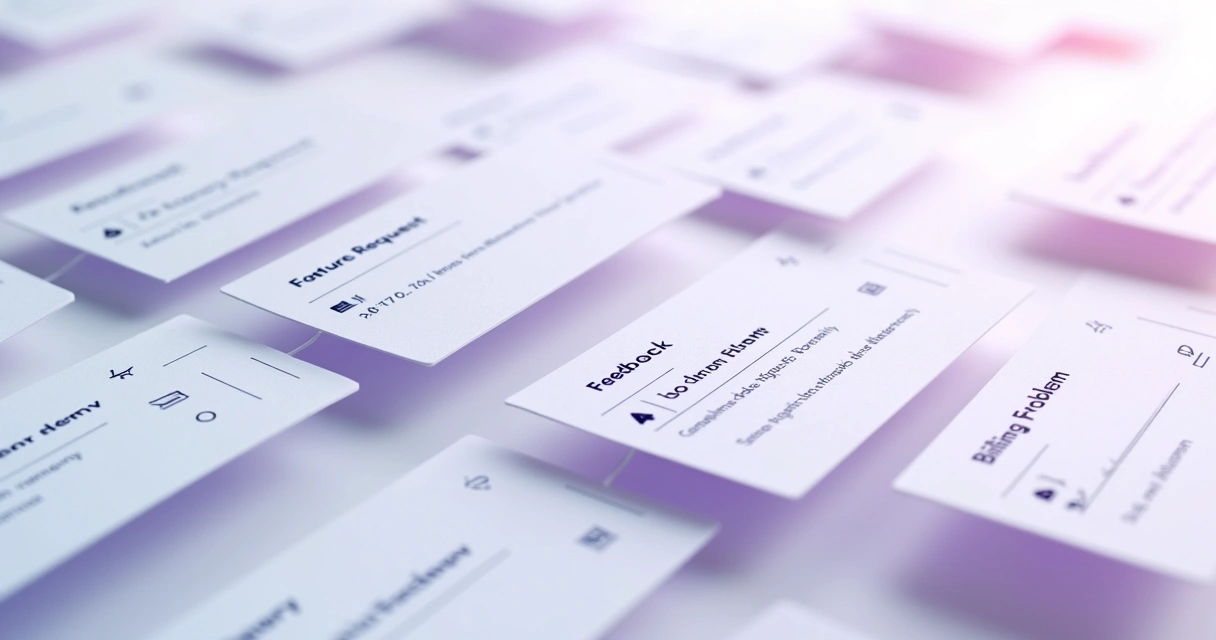
Rather than read 34 responses one by one, you see the trends, the category splits, and the critical follow-ups. I find these summaries essential for small SaaS teams and solo founders, because time is always in short supply.
Making segmented insights actionable
Let’s talk about the real endgame: turning segmentation into action. In my work, three steps deliver the most impact:
- Review segmentation weekly. Use dashboards or Slack digests to spot what shifted.
- Address urgent themes first. If urgent scores spike in one segment, tackle those issues ahead of broader projects.
- Feed insights back into product roadmap. High-performing features or improving trends should influence both your product and marketing messages.
This same method works for agencies and studios managing multiple SaaS projects. Having white-label dashboards with segmented, AI-processed feedback means you deliver better outcomes for clients—and they get to know, in real time, how customers feel. To see how this works in different SaaS scenarios, browse stories in categories like customer experience and analytics. For growth-focused advice, the user retention section is also worth a visit.
Visualizing segments for clarity
Effective NPS segmentation isn’t just about numbers and lists. The way you visualize segmented feedback can shape your priorities for the month. In Thrilled, for example, a segmented response feed shows each NPS, the category, urgency, and a short AI-generated summary. You catch problems before they snowball.
- Dashboards make segments, trends, and themes instantly understandable.
- Color-coding (using green for promoters, amber for passives, red for detractors) can quickly draw attention to the right places.
- Actionable items are paired directly with insights—for instance, “Follow up with 2 high-urgency detractors” or “Investigate billing issues this week.”
Great visualization is more than aesthetics. It reduces guesswork so you can focus on what actually matters.
Conclusion: Next steps for better feedback, better SaaS
For every SaaS founder and builder, segmenting NPS responses is the bridge from collecting feedback to doing something useful with it. In my own work, I’ve seen how turning a wall of user comments into meaningful, actionable groups can change product decisions, marketing messaging, and most importantly—customer retention.
If you’re ready to go from guessing what your users want to knowing what they need, try a purpose-built tool like Thrilled. Whether you’re starting with your first 100 users or looking to unearth new trends at scale, the project's focus on simplicity, AI insights, and builder-friendly workflows means you can start making smarter decisions right now. You can find resources and deep dives into more feedback strategies at the SaaS knowledge center, or search specific topics in our content library. Now’s the time to understand not just your NPS, but how to shape it for the future.
Frequently asked questions
What is NPS response segmentation?
NPS response segmentation is the process of dividing your Net Promoter Score responses into meaningful groups, such as by user type, region, account status, or product usage. This helps teams see which areas or user segments need attention and where the product is performing well.
How to group NPS responses effectively?
The simplest way is to segment by a major factor like user lifecycle stage, account size, or core feature usage. Combining two or more of these dimensions can uncover deeper insights. Tools with built-in AI, like Thrilled, let you group by response categories or urgency with little manual effort.
Why should I segment NPS responses?
Segmentation moves you from simply knowing your average NPS to understanding why it’s changing and who it affects most. This approach enables you to identify patterns and solve the right problems for the right users, improving retention and growth.
What tools help segment NPS data?
Many SaaS teams rely on tools tailored for feedback and AI-powered analysis. In my experience, a product like Thrilled stands out by combining easy segmentation, AI-driven categorization, urgency scoring, and trend visualization directly in the dashboard, making actionable insights accessible for small and growing teams.
How to use segmented NPS insights?
Start by prioritizing urgent feedback or recurring issues in specific segments. Review trends each week, and quickly turn insights into product fixes, roadmap changes, or new onboarding messages. Action is what transforms segmenting data into better software and happier users.