
A Guide to Using Weekly NPS Reports for Faster Team Action
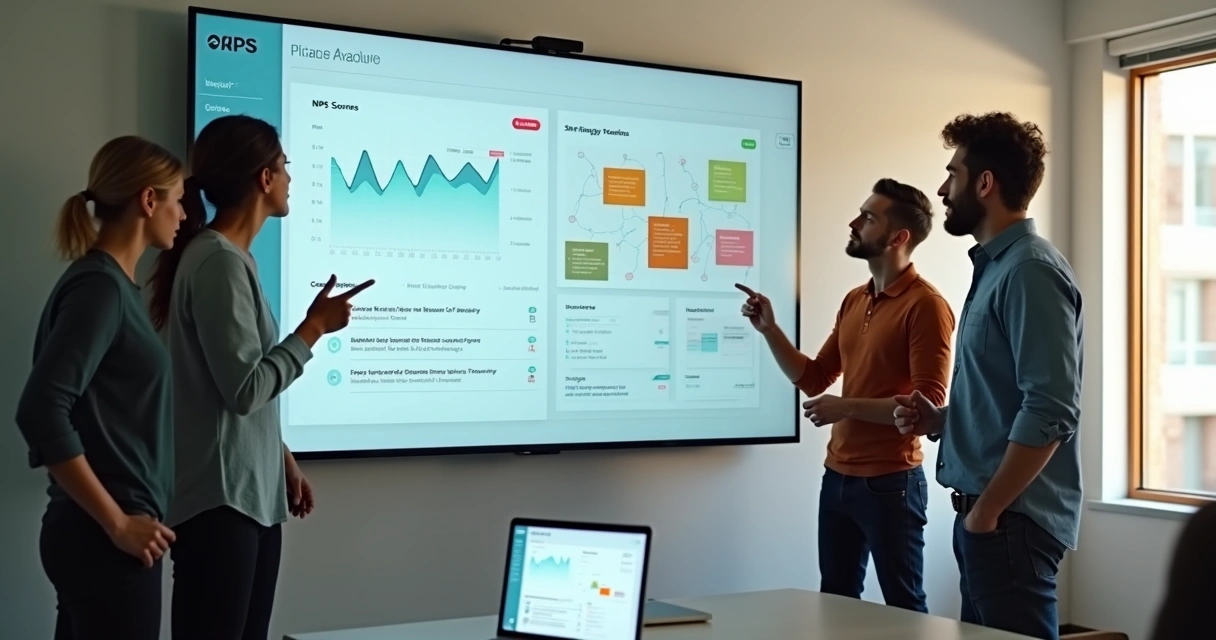
For years, I struggled to turn Net Promoter Score (NPS) data into something my team could act on—before small leaks became real retention problems. Now, after seeing what really moves the needle for SaaS teams, I rely on one main habit: a weekly NPS report. In this article, I want to show why this rhythm matters, how I use it to trigger team action, and why a lightweight platform like Thrilled aligns so well for founders, makers, and product people who’d rather build than crunch spreadsheets.
What weekly NPS reports reveal that monthly dashboards miss
Most product teams review NPS when it’s already too late. A monthly meeting, a chart in the board deck—by then, your most frustrated users have probably drifted away in silence. But when I started using weekly NPS digests, it changed not just the speed but the quality of our decisions. Why?
- A weekly cadence surfaces jumps or dips before they snowball. That early warning is gold—especially for smaller SaaS teams with under 10,000 MAU.
- You see the story behind the score, not just the number. Short comments, urgent bugs, and emerging requests show up fast—while the details are still fresh and something can actually be fixed.
- More frequent reviews help reinforce a culture of listening. Users feel heard, and teams see feedback as an ongoing conversation, not a chore once a quarter.
You don’t just get a signal—you get a pulse you can act on every Monday, while the week is new and your team’s energy is highest.
Why I think the format of the digest matters
A great weekly NPS report doesn’t drown you in charts. In my experience, here’s what actually drives action:
- The core score for the week, plus the trend versus last week.
- Top themes surfaced by simple text analysis—like Feature Requests, UX Bugs, or Pricing Confusion.
- Snippets and actual user comments—just enough to trigger a real discussion.
- Three specific, prioritized action items. Not a task dump. Just the highest impact next steps: fix a bug, respond to a detractor, flag a pattern for planning.
Short. Focused. Actionable.
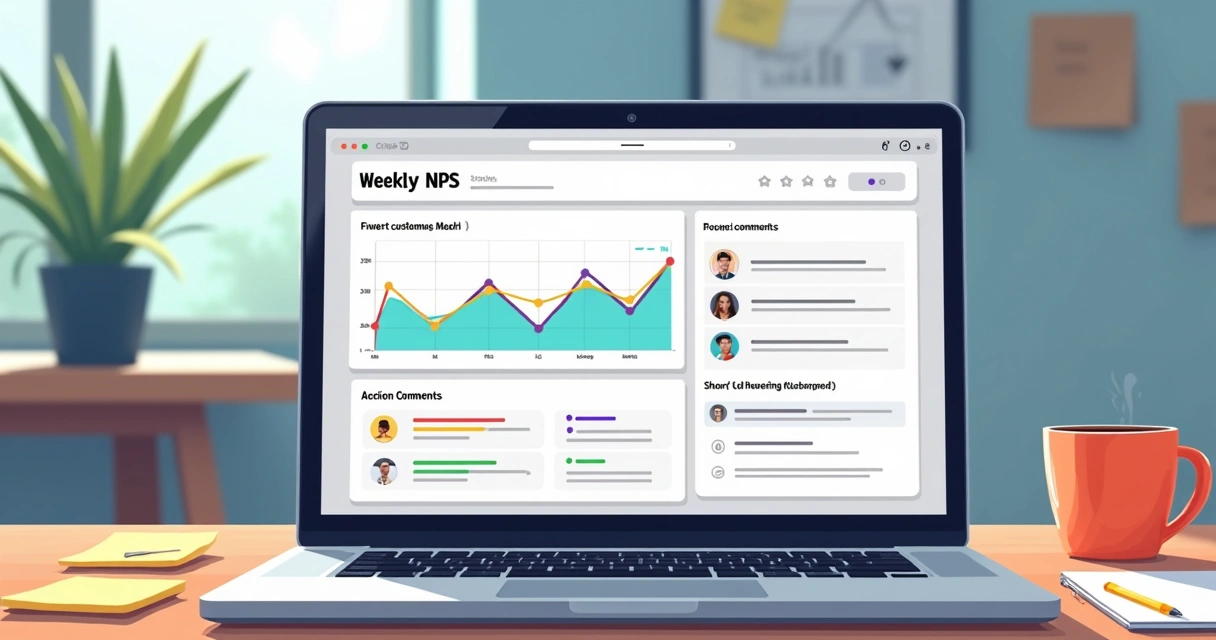 Thrilled’s weekly Slack-native digest delivers exactly that: a summary in the space where founders, engineers, and small teams already discuss product and user experience. There’s no extra login, no learning curve—just signal, not noise. I always tell builders: if your feedback tool makes you click away from Slack or copy-paste charts into your standup, it’s not doing its job.
How I use weekly NPS reports in practice
Every Monday, I open the digest. Here’s my simple workflow—one I believe translates well for any product builder:
- Review the NPS trend. Did we go up, down, or flat? Any change bigger than 5 points gets flagged on my scratchpad.
- Scan for urgent comments. Thrilled’s AI helps categorize by urgency, so I jump immediately to anything rated high—bugs, payment issues, onboarding blocks.
- Tag team members. Inside our Slack, I’ll tag the right developer or designer on a trend (“Billing still broken—can someone jump in?”).
- Pick top 3 actions. No more. We want momentum, not a laundry list. Resolve a bug, reply to a detractor, note a trend for planning.
The real magic is consistency: the same rhythm, every week, ensures nothing slips. Over time, you spot patterns—not just anecdotes.
The other upside? You give users visible proof you’re listening. When a detractor sees a fix or a follow-up, you’re not just tracking feedback. You’re closing the loop, building loyalty, and earning references or testimonials. I wrote about the tactical value of real customer interaction in more depth on our customer experience articles.
What makes NPS data “actionable” for SaaS teams?
In my research, there are a few qualities all strong NPS programs share, whether you’re a solo founder or running a product team with 15 people:
- Feedback arrives fast and directly—no holding for the end of the quarter.
- The Slack digest drops in at the same time, with clarity, every week.
- AI-powered summaries draw out the loudest themes, so no single team member has to be a spreadsheet hero.
- Scoring “urgency” stops critical issues hiding behind a wall of passive comments.
When you combine those elements, NPS feedback moves from vanity metric (“people like us!”) to a live feed of customer priorities you’re actively shaping your roadmap against.
 You’ll find more thoughts on acting fast on user retention signals in our user retention blog category.
Small teams, big wins: how action compounds week after week
In small SaaS teams, speed trumps bureaucracy. A weekly NPS ritual builds muscles your competitors (usually slower, less nimble) envy: quick bug fixes, fast iterations, and user conversations that actually drive product. After months of reviewing reports this way, I’ve seen even the busiest founders go from feeling reactive and “in the dark” to staying one step ahead.
Know before they go—or before an issue sinks your next renewal.
If you want to think even further about analytics habits that scale as you grow, the analytics section of our site offers how-tos and real-world stories.
Practical tips for making weekly NPS reports work in your routine
Here are a few tactics from my own routine, refined with Thrilled in mind:
- Set the cadence: Monday 8am digests keep NPS review predictable and lightweight.
- Make action visible: always flag top 3 action items in a public channel. This way, the team buys in and users see responsiveness.
- No dashboard surfing: run everything from Slack or email. Only jump to the full dashboard when you need deeper analysis or want to close the loop with a customer.
- Emphasize learning, not blame: use NPS comments in retros, celebrate wins (“promoters”), and treat detractors as your best source of honest guidance.
Weekly NPS isn’t about chasing a single number up—but using that number as a signal to take real action, faster and more purposefully, every week. This is what brings the vision of Thrilled to life for indie SaaS builders and agile product teams alike.
For teams looking to adapt product and user growth quickly, I recommend reviewing real examples in the SaaS workflow best practices section or reading firsthand tactics in this practical guide to NPS actions.
Conclusion
Weekly NPS reports make customer feedback a living, breathing part of your product process—not a spreadsheet graveyard or a monthly afterthought. In my own experience, this rhythm changes how teams spot issues, celebrate wins, and act on user sentiment when it truly counts. Thrilled exists for founders and builders who want less complexity, more signal, and a way to ship customer improvements before users ever hit the exit. Try using weekly NPS reports in your team, and you’ll feel the shift—faster action, fewer surprises, and a real edge for your SaaS.
If you want to see what Thrilled can add to your workflow, or you’re ready to finally hear what users think (before they go), I invite you to get to know us and start seeing feedback as the engine of your next growth chapter.
Frequently asked questions
What is a weekly NPS report?
A weekly NPS report is a summary of your Net Promoter Score (NPS) and user feedback collected over the past week. It usually includes the latest score, trend versus last week, top themes, urgent issues, user quotes, and suggested action items. Services like Thrilled provide these reports right in Slack or your inbox, making them easy to review and act on fast.
How can I use weekly NPS reports?
I use weekly NPS reports to spot trends early, respond to urgent problems, and plan product changes based on real user input. By sharing action items in a public channel and tagging the right teammates, I keep everyone aligned and accountable for user experience. It turns feedback into a regular team habit instead of letting insights gather dust.
Why track NPS every week?
Tracking NPS every week catches issues while there’s still time to fix them—and while users still care. Early signals let you intervene before churn compounds. It also helps promote a culture of listening and fast response, which is especially useful for small and agile teams.
How to share NPS results with teams?
The best way is with an automated Slack digest or a concise email. I avoid sending people hunting through dashboards—keep it direct where your team works. Tag relevant team members for urgent or trending issues, and always share top three action steps. This keeps feedback visible and actionable.
Is it worth it to review NPS weekly?
Yes, in my experience, reviewing NPS weekly leads to faster improvements, a stronger sense of ownership, and happier users. The small effort of regular review pays back with fewer firefights and better product decisions. With Thrilled, this takes minutes, not hours, and gives founders the speed to fix problems before they become real risks.