
How to set up NPS on multiple SaaS products with one codebase

I have seen how much clarity Net Promoter Score (NPS) can bring to SaaS teams searching for honest feedback. But, when someone asks me the fastest way to measure NPS across several SaaS products running on the same architecture, I always mention one truth: If you don’t set it up right from the start, comparing results will be a pain. Let me guide you through a practical approach, sharing small tips and lessons I learned throughout the years, by showing how a focused tool like Thrilled can make a difference for every SaaS builder chasing real insight.
Why measure NPS on multiple products?
I have worked with small SaaS teams and solo founders. They often manage a handful of products that share a core codebase—or, in some cases, are even white-label versions of each other. Why track NPS on all of them?
- You want to see which offering delights users the most.
- You need to spot trends in user feedback quickly, especially when user churn feels higher on one product.
- Your team needs a lightweight, no-nonsense solution that reduces setup headaches and increases actionable learning.
- Comparing feedback between products helps prioritize future updates.
From my experience, good NPS tracking builds a culture of listening before you lose users to silence. Thrilled’s mission is to give every SaaS builder access to this kind of insight, at a price and complexity that feels right for small teams.
Understanding a single codebase, many SaaS products
When you run multiple SaaS products from one codebase, you usually face:
- Different brands with the same tech underneath
- White-label apps managed by agencies or studios
- Products split by audience or feature set
The key is simple: structure your NPS system so that each product is clearly identified and tracked separately, yet efficiently managed from the same source code.
Choosing the right NPS architecture
In my experience, the most reliable method uses an embeddable widget or script. This allows me to deploy the same code across all products, but tag each response with a unique product identifier. Here’s how I do it step-by-step:
1. Decide on your product identifier system
Each product must send a unique identifier to the NPS backend. This could be a hardcoded string, a config variable, or an environment variable determined by the deployment target. It’s the boundary line that keeps your results clean and organized.
2. Embed the NPS script once, customize by product
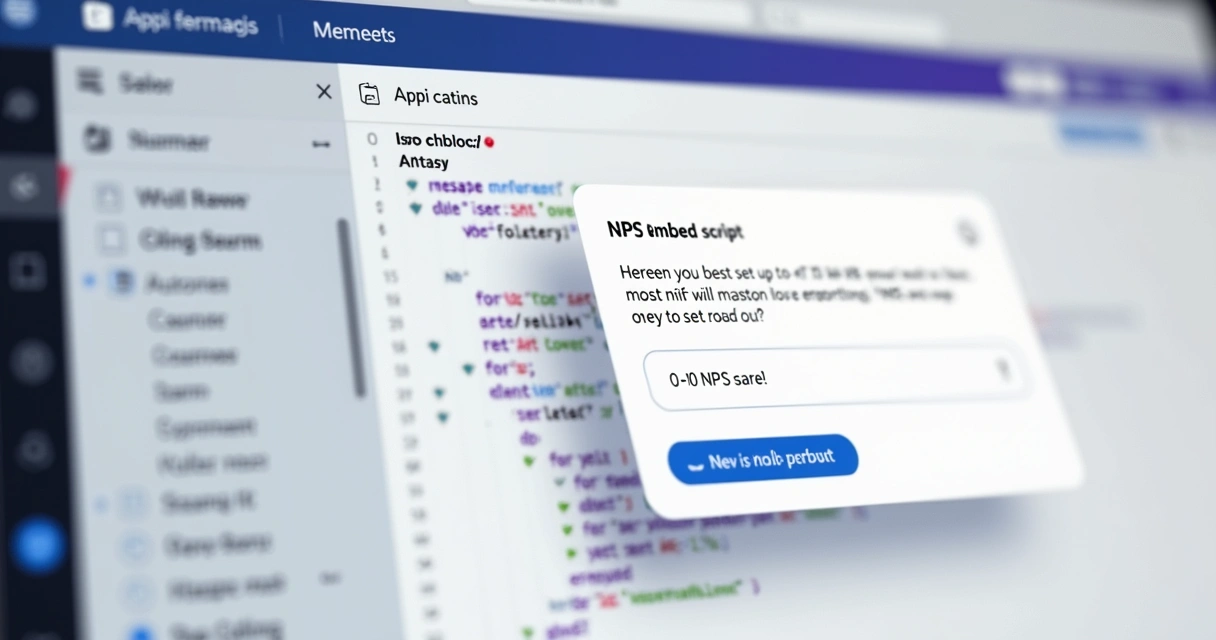
With Thrilled, implementation is practical. I add the script tag to my app, then call a function—typically setUser()—after authentication to track the current user and specify the product name or ID as part of the configuration.
Paste one tag. You're live. Add the script to your app, call setUser(), and start collecting NPS scores in under 5 minutes. No SDKs, no config files, no meetings. Just ship it.
3. Pass data contextually at runtime
My setup typically includes a bit of logic in the app to read the correct product identifier based on the context—URL, subdomain, or environment settings. Then, when loading the widget or snippet, that ID attaches to every response sent to the server.
4. Configure your dashboard for multi-product tracking
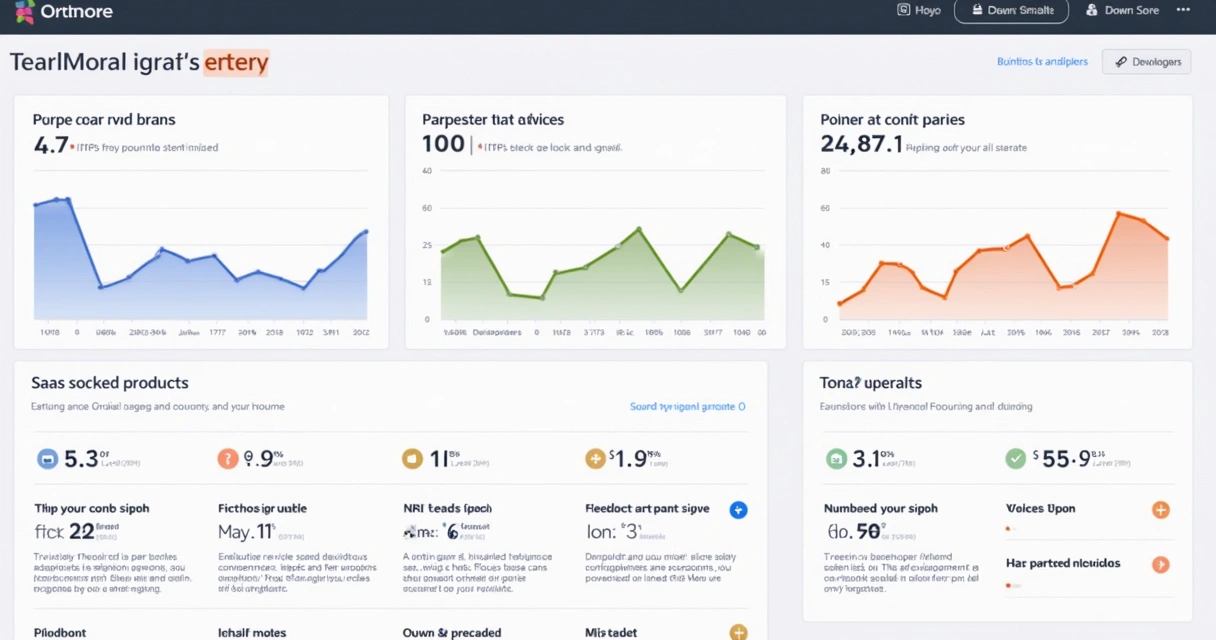
I appreciate dashboards that allow quick switching or filtering by product. Thrilled provides a setup where each product, or project, has a separate dashboard view, and the responses are instantly categorized as they come in. This keeps your feedback actionable, not just a jumble of opinions without context.
And when it comes to visualizing data, using color-coded segments and trend indicators causes less confusion and lets you compare product health at a glance.
Pro tips for efficient setup
Sometimes I see teams try to build separate processes for every product. It becomes unmanageable fast. Over years, these are my top strategies to save time:
- Define product names/IDs clearly and list them centrally, maybe in an environment file or app config.
- Structure your feedback backend so responses always contain the product ID. That makes filtering and trend analysis possible.
- Ask for feedback at the right time, not all the time. Thrilled auto-schedules the widget to appear only when it makes sense, preventing survey fatigue.
- Use Slack digests or email summaries to share NPS trends weekly with your team. This keeps everyone in the loop and ready to react.
Customization and branding: yes, it matters
When I’m running multiple branded products, I care about keeping each product’s branding distinct—even down to the NPS widget. With a tool like Thrilled, I can:
- Customize accent colors to match each product’s palette
- Set product-specific titles or icons in the feedback form
- Choose if I want the “Powered by Thrilled” badge or keep it white-label for every project
This detail might seem small, but it reassures users the survey is coming from your brand, not a generic service. The tech behind this ensures feedback feels natural and increases response rates.
Making sense of the feedback
Collecting NPS data is step one. The next step? Understanding and acting on what you receive. Here’s how I structure real-world usage:
- Monitor scores and trends by product using the dashboard’s filters
- Use AI-powered analysis to group feedback by issues and spot urgent trends (I find automated categorization crucial for speed)
- Assemble your team’s action items based on what the feedback reveals
- Connect your analytics review to regular check-ins—Slack digests and lightweight dashboards keep this habit sticky
For a deep dive into measurement, segmentation, and interpreting customer experience trends, I always recommend reviewing guides or discussions in the user retention and analytics categories. Teams that review these resources become far better at customer listening.
Wrapping up: simplicity wins every time
Too many SaaS teams skip measuring NPS because setup looks complicated or expensive. I believe you should have answers before your users leave. A tool like Thrilled is built around this principle, favoring clarity and fair pricing over complexity.
If you (like me) want to see the real pulse of your SaaS products, with actionable insights, a shared codebase is not a barrier—it’s an opportunity. You can keep everything efficient, consistent, and actionable for your entire portfolio of products. Don’t let user pain points go unheard just because you have more than one app.
If you want to learn more, see real examples, or even start setting things up, check out posts like this practical setup guide or explore SaaS-specific topics in the SaaS learning center. Let Thrilled help you know before they go.
Frequently asked questions
What is NPS for SaaS products?
NPS, or Net Promoter Score, measures how likely your users are to recommend your product to others, using a simple 0–10 scale. For SaaS, it gives you a clear, trackable metric for user satisfaction and helps spot both promoters and pain points before they turn into churn. It's not just a score—it's a window into real sentiment and loyalty.
How to set up NPS on one codebase?
In my experience, you embed the NPS widget or script once in your shared codebase, then pass a unique product identifier at runtime. This ensures each piece of feedback gets tagged to the right product, even if multiple SaaS products run on the same backend. Tools like Thrilled are designed with this in mind, making implementation practical and repeatable.
Can I use NPS for different products?
Yes, you can track NPS across different products, as long as you tag responses with each product’s unique ID or name. This way, your dashboard helps you compare results, segment feedback, and act on what’s specific to each product’s audience.
Is it worth having NPS for SaaS?
Absolutely. I’ve seen NPS surface issues that analytics alone can’t, highlight what makes users promoters, and spark changes that lower churn. For SaaS, where user relationships shape the entire business, NPS can be one of the most direct and actionable sources of insight.
How can I track NPS results easily?
A good dashboard is key—one that lets you filter by product, view trends over time, and send weekly digests to your team, like what Thrilled offers. This keeps insights front-and-center and makes it much harder to ignore issues.