
NPS for SaaS: A Simple Start-to-Finish Implementation Guide
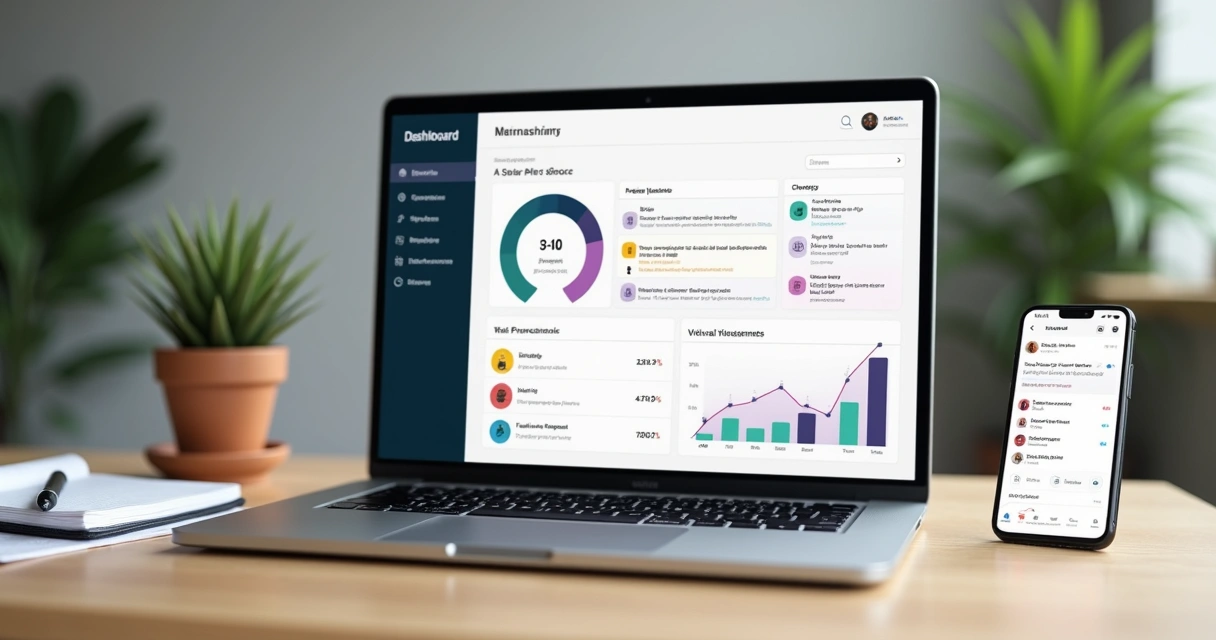
In my years working alongside countless SaaS builders, I have seen the difference that knowing—truly knowing—what your users think can make. Net Promoter Score (NPS) is more than just a number. It is a window into customer sentiment, and in the world of fast-moving SaaS, it can be the difference between growth and churn. Let me show you a straightforward, start-to-finish approach that any SaaS product can use to set up, run, and learn from NPS surveys—without bloated software, noisy dashboards, or wasted time. Thrilled is designed exactly for this: a clean process and just the signals you need.
Why NPS makes sense for SaaS builders
When I first implemented NPS in a SaaS workflow, what struck me most was how quickly light bulbs went off for product teams. NPS asks one question that really matters: “How likely are you to recommend us to a friend or colleague?” In SaaS, this question isn’t just about satisfaction. It is about product-market fit, perceived value, and user advocacy—all rolled into one.
- It is simple for users: no ten-minute surveys or complex forms.
- It is actionable for teams: you know who loves you, who’s indifferent, and who’s at risk of leaving.
- You get trends over time, which is pure gold when you’re shipping updates or changing direction.
Planning NPS for your SaaS: Key steps
My process always starts with three questions:
- When do I want to ask users for feedback?
- How will I identify users while respecting privacy?
- What will I do with the answers?
In practice, here's how I’ve put that into action:
Timing the ask
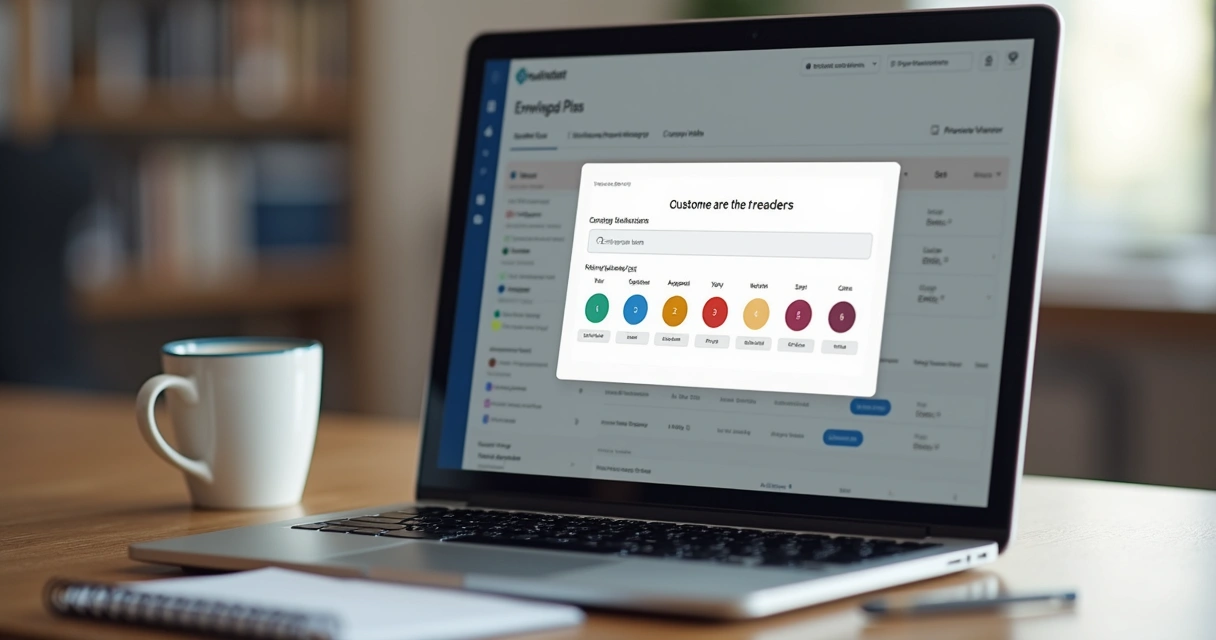
Trigger your NPS survey at moments that make sense—after onboarding, post-purchase, or after a user’s third or fourth session. In Thrilled, automatic scheduling means you can ask at the right moment and avoid survey fatigue. Only one clean modal shows up, and it respects cool-down periods for repeat visitors. This keeps response quality high.
 User identification and privacy
For SaaS, connecting scores to user IDs (not names or emails!) is best. I always recommend using a unique user identifier—an internal ID that links the feedback, but doesn’t expose personal data. Thrilled, for instance, asks you to call setUser() after your authentication step. This way, you get continuity and privacy at once.
Making feedback useful immediately
The worst outcome is getting good feedback and letting it sit untouched. After implementing NPS, I always set up auto-routing of feedback to where teams work—like Slack digests with the week’s trend and highlights. Thrilled is built for this: your Monday starts with a summary, not a hunt through export files.
How to set up NPS in practice
1. Add the feedback widget
I prefer solutions that need just a single script tag. In most SaaS apps I worked on, the process looks like this:
- Add the embed script (just like adding analytics tracking).
- Call
setUser()right after your auth completes—so NPS answers are tied to the right user context. - Customize widget look and feel if you want (color, accent, position).
That’s it—usually five minutes or less. No SDKs, config files, or endless dashboard clicks. Thrilled keeps setup short and clean.
Start collecting insights in minutes, not hours.
2. Customize the experience
I like being able to quickly adjust text, brand accents, and placement of the survey—center modal or bottom-right (like a chat). With Thrilled, you can change accent color, product name, or the widget’s position right from the dashboard—no code updates needed. This helps with brand consistency and avoids friction for users.
3. Analyze and act on responses
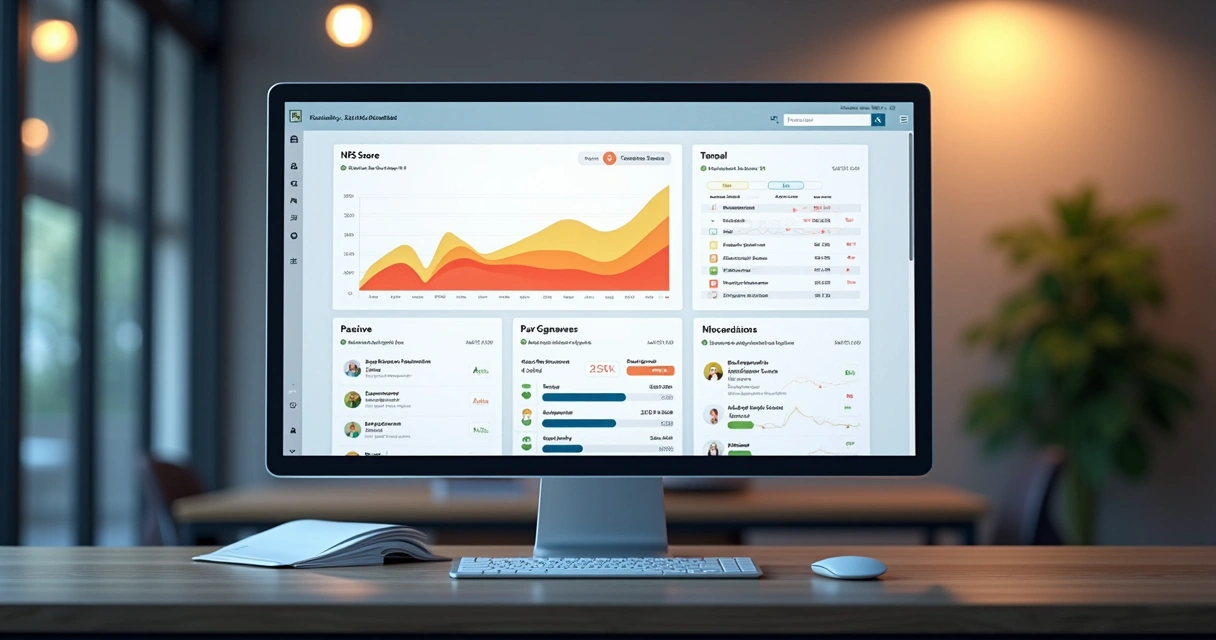
After responses come in, the real power of NPS in a SaaS context is what you do next. For every answer, categorize user feedback automatically (for example, “feature request” or “billing problem”), assign urgency, and summarize trends. AI-powered sorting—available in Thrilled even at $29—makes this instant instead of a weekend spent in spreadsheets.
 Best practices I follow for NPS in SaaS
- Keep surveys minimal. More questions equal fewer answers. Stick to the core NPS query and an open field for explanation.
- Make answers visible and actionable. Digest feedback into public Slack channels, dashboards, or weekly meetings. Don’t hide it in private inboxes.
- Act on what you hear. If multiple users share the same pain point, flag it for design/product to review that sprint. Feature requests or blockers should always be triaged.
- Close the loop where possible. Thank users in-product, let them know their voice was heard, and, if appropriate, share improvements based on their input.
This approach preserves the focus on signal, not noise, which is one of the core values behind Thrilled. If you’re curious to see how SaaS companies apply this thinking systemically, I often link out to great customer experience and analytics advice at our customer experience resources and analytics articles.
From tracking to action: Turning NPS into growth
I have learned that the value of NPS for SaaS comes when you use it not only to spot who will leave, but to find out why—and fix it before churn happens. With auto-categorization, actionable weekly digests, and real-time trend lines visible right in your team’s workspace, you get not just a pulse, but a toolkit for action.
For teams managing user bases from a hundred to thousands, or agencies handling multiple projects, I find that sticking to a lightweight process is ideal. That is why Thrilled only surfaces what matters. You never sift through endless dashboards or rows of raw data you don’t need. And if you want more on driving user retention, I’d suggest reviewing insights from our user retention section too.
Conclusion: Simplicity wins
In my experience, when you cut through noise and keep NPS simple and connected to your product workflow, you get the results that matter: lower churn, users who promote you, and less blind guessing. Thrilled was built so that indie SaaS, small teams, and agencies don’t have to compromise—real feedback at a price that fits builders, without the analytics overkill. And if you want to see how this can look in your own product, there are more stories on our SaaS blog and detailed posts such as this guide.
If you are building SaaS and want a real-time pulse without the noise, give Thrilled a try. Your users—and your product—deserve nothing less.
Frequently asked questions
What is NPS for SaaS?
NPS for SaaS is a simple way to measure user loyalty and sentiment by asking, “How likely are you to recommend our product?” Responses are scored 0-10 and grouped as promoters, passives, or detractors. In SaaS, this helps track customer happiness and signals churn or advocacy early.
How to implement NPS in SaaS?
Start by embedding a feedback widget in your product using a quick script, connect user IDs for context, schedule surveys at natural moments, and automate feedback routing to your team’s Slack or dashboard. Use built-in analysis to spot themes and take action fast.
What are the benefits of NPS surveys?
NPS surveys give you a quick read on customer sentiment, reveal friction points, help catch churn before it happens, and highlight your product’s biggest fans. They provide trends you can tie to product changes, giving small teams confidence about where to focus.
How often should I send NPS surveys?
For SaaS, quarterly or after milestone moments (onboarding, key feature launches, upgrades) is best. Sending too often leads to survey fatigue. With platforms like Thrilled, scheduling and cooldowns are automatic, so you avoid over-surveying by default.
Is NPS worth it for SaaS companies?
Absolutely. I have seen firsthand that NPS highlights blind spots, informs smarter decisions, and keeps user satisfaction front and center. For small SaaS teams especially, it is one of the most efficient ways to tie feedback directly to growth and retention.